



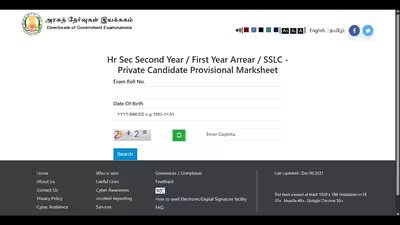
The Directorate of Government Examinations (DGE), Tamil Nadu has announced the Tamil Nadu Secondary School Leaving Certificate (SSLC) Class 10 supplementary examination result 2026. Students who appeared for the supplementary examination can now check and download their marks memo from the official website, tnresults.nic.in.To access the result, students will have to log in using their exam roll number and date of birth.The online marks memo includes the subject-wise marks obtained by the candidate and their qualifying status. Students are advised to carefully check all the details mentioned on the marks memo after downloading it.The supplementary examination was held for students who could not clear one or more subjects in the annual SSLC examination. With the declaration of the results, candidates who have passed can now continue with the Class 11 admission process.
How to check TN SSLC supplementary result 2026
Students can follow these steps to download their marks memo:
- Visit the official website, tnresults.nic.in.
- Click on the link for SSLC supplementary examination result 2026 on the homepage.
- Enter your roll number and date of birth.
- Click on the ‘Search’ button.
- Your result will appear on the screen.
- Download and keep a printout of the marks memo for future reference.
Direct link here.Students should note that the online marks memo is provisional. They will have to collect the original marksheet from their respective schools later.If students find any error or discrepancy in their marks memo, they should immediately contact their respective school authorities or the Directorate of Government Examinations (DGE) for assistance.